
What Is a VIT GPA Calculator?
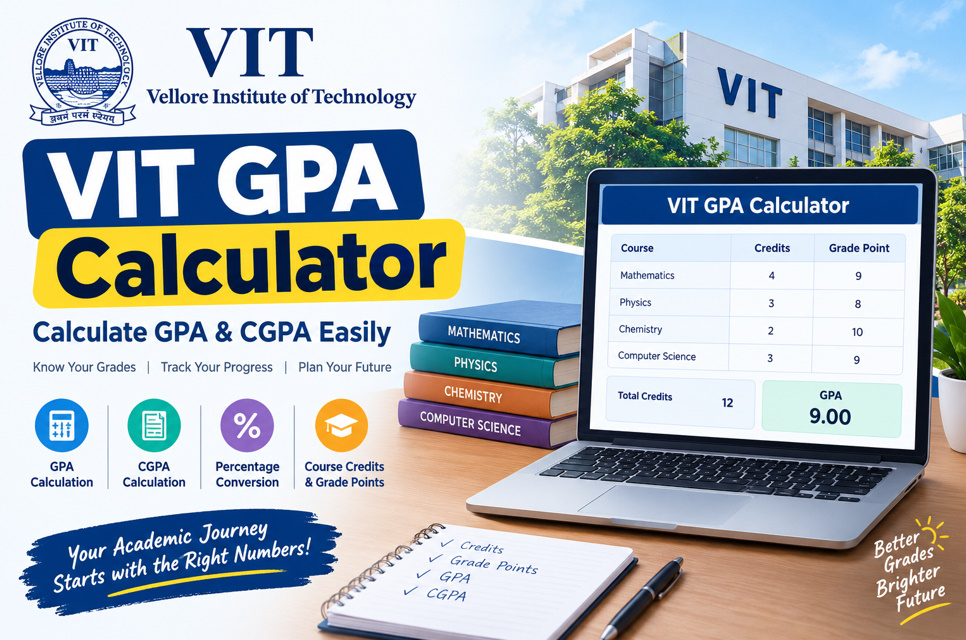
A VIT GPA calculator is an academic calculation tool designed for students of Vellore Institute of Technology. It helps calculate the Grade Point Average by combining course credits with the grade points earned in each subject. Since different courses can have different credit values, VIT GPA is calculated as a weighted average.
Using a calculator makes the process easier because students do not have to perform every multiplication and division manually. You can enter your course details, credits, and grades to estimate your semester GPA. The result can help you understand your academic performance and maintain a record of your progress.
- Calculates VIT GPA
- Uses course credits
- Uses grade points
- Supports semester calculations
- Reduces calculation errors
- Saves time
- Helps track performance
- Useful for academic planning
How Is GPA Calculated at VIT?
VIT’s published FFCS regulations describe GPA as a credit-weighted calculation. The grade point for each course is multiplied by that course’s credit value. These products are added together, and the total is divided by the relevant total credits. This means every subject contributes according to its credit weight.
The general formula can be written as GPA = Σ(Credit × Grade Point) ÷ ΣCredits. For example, if a student receives different grades in courses carrying different credits, a four-credit subject will have more mathematical influence than a two-credit subject. This makes the VIT GPA calculator more useful than a simple grade average.
- Multiply credits by grade points
- Add all weighted points
- Add applicable credits
- Divide weighted points by credits
- Use the correct grade points
- Check every course
- Verify credit values
- Round the result correctly
VIT Grade Points and Grading System
VIT uses a 10-point grading framework in its FFCS regulations. The published Version 4.0 regulations assign grade points to letter grades such as S, A, B, C, D, E, and F. The resulting grade point is what enters the GPA calculation, rather than the raw examination mark itself.
Students should always use the grade appearing on their official academic record when calculating GPA. Marks-to-grade rules can depend on the applicable assessment and grading method, so estimating a final letter grade from marks may produce an inaccurate result. A GPA calculator should therefore be used with confirmed grades whenever possible.
- S grade: 10 points
- A grade: 9 points
- B grade: 8 points
- C grade: 7 points
- D grade: 6 points
- E grade: 5 points
- F grade: 0 points
- Check your official grade
How to Calculate VIT GPA Manually
To calculate your VIT GPA manually, create a table containing each course, its credit value, and its grade point. Multiply the credit value by the grade point for every course. After calculating each weighted value, add them together and divide the result by the applicable total credits.
For example, imagine three courses worth 4, 3, and 2 credits. If their grade points are 10, 8, and 9, respectively, the calculation is: (4×10 + 3×8 + 2×9) ÷ (4+3+2). The result is 92 ÷ 9, or approximately 10.22, which exceeds the 10-point scale and therefore shows why the chosen grade-point example must be internally consistent with the applicable maximum and course data.
- Make a course list
- Record each credit
- Record each grade
- Convert grades to points
- Multiply each pair
- Add weighted points
- Add applicable credits
- Divide for GPA
Difference Between VIT GPA and CGPA
GPA generally represents performance for the relevant semester, while CGPA represents cumulative academic performance across the applicable courses and semesters. VIT’s published regulations describe CGPA as a weighted average of grade points across the student’s registered courses since the beginning of the programme.
This distinction is important when reading a VIT grade sheet. A student’s semester GPA can change considerably from one term to another, while CGPA changes cumulatively as additional courses are completed. A VIT CGPA calculator therefore requires information from multiple semesters rather than only the latest semester.
- GPA measures semester performance
- CGPA measures cumulative performance
- GPA uses course credits
- CGPA uses cumulative credits
- GPA can change each semester
- CGPA changes gradually
- Both use grade points
- Check your grade sheet
Why Course Credits Matter in GPA
Course credits determine how strongly a subject contributes to the GPA calculation. A higher-credit course has a greater mathematical weight than a lower-credit course when their grade points are multiplied by credits. Therefore, entering accurate credit information is essential when using a VIT GPA or CGPA calculator.
This is also why simply adding your grades and dividing by the number of subjects does not give the correct credit-weighted GPA. Two students with identical letter grades could potentially have different calculations if their courses carry different credit values.
- Credits determine course weight
- Higher credits have greater influence
- Lower credits have smaller influence
- Verify registered credits
- Avoid missing subjects
- Avoid duplicate subjects
- Check course information
- Recalculate after corrections
How to Use a VIT GPA Calculator
Using a VIT GPA calculator is straightforward. Start by entering every applicable course from the semester. Add the credit value for each course and select or enter the corresponding grade point. The calculator then applies the weighted-average formula and displays the estimated GPA.
Before accepting the result, review the inputs carefully. An incorrect grade, missing course, or wrong credit value can change the final number. Online calculators are useful for quick estimates, but the GPA shown on your official VIT academic record should be treated as the authoritative result.
- Enter every applicable course
- Add course credits
- Enter awarded grades
- Confirm grade points
- Check total credits
- Review the calculated GPA
- Save your calculation
- Compare with official records
VIT GPA, CGPA and Percentage Conversion
VIT’s published FFCS regulations state that the CGPA-to-percentage equivalent is calculated by multiplying CGPA by 10. For example, a CGPA of 8.50 corresponds to an equivalent percentage of 85.00% under that stated conversion rule. Students should use the official conversion documentation when a university, employer, or institution specifically requests proof.
It is useful to keep GPA, CGPA, and percentage conversion separate because they describe different things. GPA represents semester-level performance, CGPA represents cumulative performance, and the percentage figure is a stated equivalent rather than a replacement for the original CGPA. VIT’s Controller of Examinations provides information regarding CGPA equivalence certificates.
- GPA measures a semester
- CGPA measures cumulative performance
- CGPA uses a weighted formula
- Percentage is an equivalent
- Multiply CGPA by 10
- Check required documentation
- Keep your grade sheet
- Verify official requirements
Benefits of Using a VIT GPA Calculator
A VIT GPA calculator can make academic tracking simpler by turning course grades and credits into an easy-to-understand GPA figure. It can be particularly helpful when students want to check their semester performance, understand credit weighting, or estimate how a set of grades affects their academic record.
The calculator can also reduce arithmetic mistakes because the weighted GPA formula is performed automatically. However, students should remember that a calculator only processes the information provided. It does not replace VIT’s official grade sheet, academic regulations, or examination records.
- Saves calculation time
- Reduces arithmetic mistakes
- Explains credit weighting
- Helps track GPA
- Supports CGPA planning
- Makes calculations easier
- Useful for students
- Simplifies academic monitoring